
Power Tech
  • Home
  • About Us
  • Courses
  • Products
  • Services
  • Blog
  • Contact Us
Select Page

Easiest Way to Add e-Sign in Word

by Power Tech | Jan 9, 2022 | Knowledge Sharing

easiest way to add sign in word

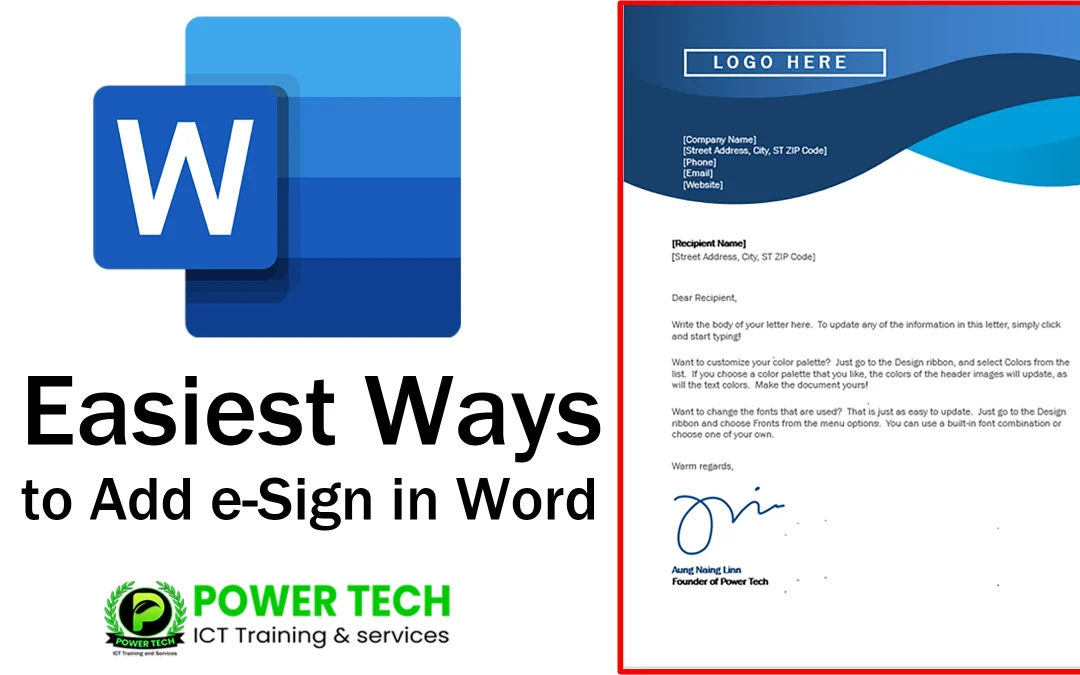
ဒီ Video မှာတော့ Microsoft Office Word Document ထဲမှာ e-Sign ကို စနစ်တကျ နည်းလမ်းမှန်မှန်ထည့်သွင်းနည်းများကို မျှဝေပေးထားပါတယ်။ Insert Tab အောက်က Picture ထဲကနေ ကွန်ပျူတာထဲမှာ အသင့်သိမ်းထားတဲ့ e-Sign image ရ ရယူထည့်သွင်းနည်း၊ Customize Ribbon ထဲကနေ Draw Tab ကို ဖွင့်၍ Draw Tab မှ Pen ကို အသုံးပြု၍ e-Sign ဆွဲ၍ ထည့်သွင်းနည်း၊ Mobile ဖုန်းမှ Microsoft One Note ကနေ e-Sign အား ဆွဲ၍ OneDrive ထဲသို့သိမ်းဆည်း၍ ကွန်ပျူတာကနေ OneDrive ထဲမှာ သိမ်းဆည်းထားသော One Note ထဲက e-Sign အား ရယူ၍ ထည့်သွင်းနည်း၊ One Note ထဲက ကိုယ်ရဲ့ e-Sign အား ကိုယ့်ရဲ့ ကွန်ပျူတာထဲသို့ Resolution ကောင်းကောင်းဖြင့် သိမ်းဆည်းနည်း၊ Microsoft Office Word ထဲက ကိုယ့်ရဲ့ e-Sign အား နောက်ထပ်ယူသုံးလိုလျှင် အစအဆုံး ပြန်လည်ယူသုံးဖို့မလိုပဲ Insert ထဲက Quick Parts ထဲမှာ အသင့်သိမ်းထား၍ လွယ်ကူစွာ ပြန်လည် ယူသုံးနည်းများကိုပါ ပြည့်ပြည့်စုံစုံ မျှဝေပေးထားပါတယ်။ လေ့လာကြည့်ပါ။

Easiest Ways to Add eSignature in Word (Tutorial)

Adobe Acrobat Pro ကို အသုံးပြု၍ PDF File ထဲမှာ e-Sign ထည့်နည်းအား ဒီမှာ လေ့လာနိုင်ပါတယ်။

Microsoft Office Mobile App ကို အသုံးပြု၍ ကိုယ့်ရဲ့  Phone ထဲက PDF ဖိုင်မှာ e-Sign ထည့်နည်းအား ဒီမှာ လေ့လာနိုင်ပါတယ်။

တခြား Video Tutorials များကို လေ့လာနိုင်ရန်အတွက် YouTube Channel ကိုလည်း Subscribe လုပ်ထားပေးပါအုံး။ ကျေးဇူးတင်ပါတယ်။

Recent Posts

  • Adobe Firefly ကို Free Download ရယူပါ
  • Adobe Photoshop 2023 v24.5 with AI ကို Download ရယူပါ
  • Windows 11 Pro 24H2 Free Download
  • Dell Latitude 7400
  • SketchUP Pro 2024 Free Download

Recent Comments

  1. Power Tech on Windows 11 Pro 24H2 Free Download
  2. Thau Ta on Windows 11 Pro 24H2 Free Download
  3. Power Tech on SketchUP Pro 2024 Free Download
  4. Power Tech on Adobe Acrobat XI Pro ကို Download ရယူပါ
  5. Power Tech on Microsoft Office 2016 Pro Plus 32bit & 64bit Download

About Us

We are based in the City of Yangon, Myanmar. Our business can benefit from our range of digital marketing services and web development team.

Our focus is on over delivering business-changing results using digital Marketing & developing Websites optimized for user experience.

Power Tech is an ambitious training & services center, we set ourselves big goals and will only work with companies we believe we can make a tangible difference to their business.

Site Map

 Home

Cources

Software

ICT Jobs

Contact Us

Privacy Policy

Terms & Conditions

Latest Update

Contact Us



No.181, May Dharwi Road, Gagyi Ward, North Okkalapa Township. Yangon, Myanmar.



(+95) 9 264 566 183
(+95) 9 264 673 772



info@powertechmm.com,
aungnainglinn@powertechmm.com

  • Follow
  • Follow
  • Follow

© 2020 – 2024 Power Tech All Right Reserved.